Thank You Funnel
Setup Step 3
Thank You Funnel : Setup Step 3
Step 3 lists the products from your store that can appear in your upsell section and in partner cross-sell sections. If more than four products are selected, customers can use the arrow at the end of each thank-you page section to view the rest.
The preview shows up to four selected products. Use bulk edit to quickly change product statuses. At least one upsell product and four cross-sell products must be enabled before saving.
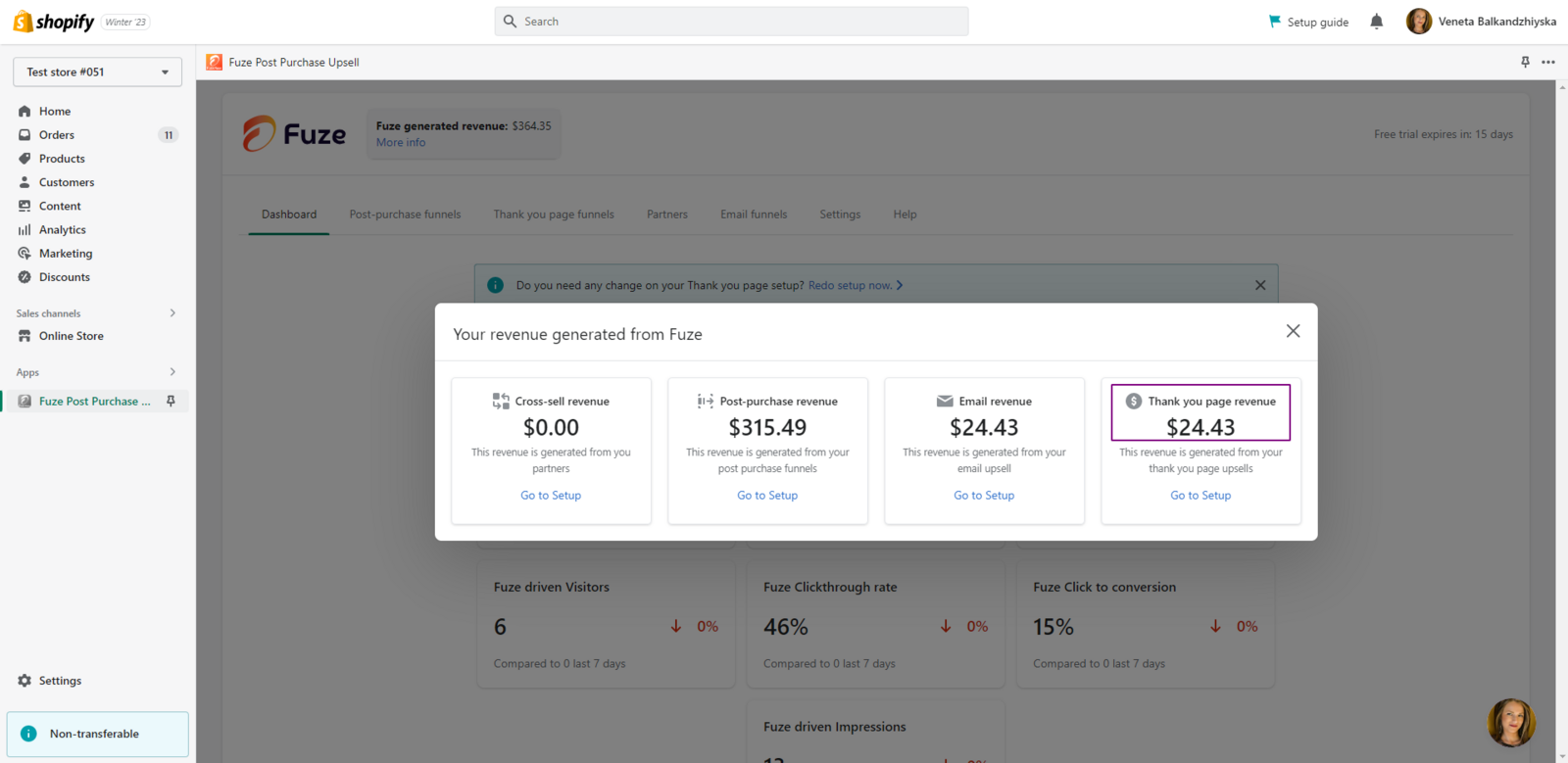
When an order is completed for a product purchased from the upsell section on the thank-you page, the amount is added to the Thank You Page revenue section.
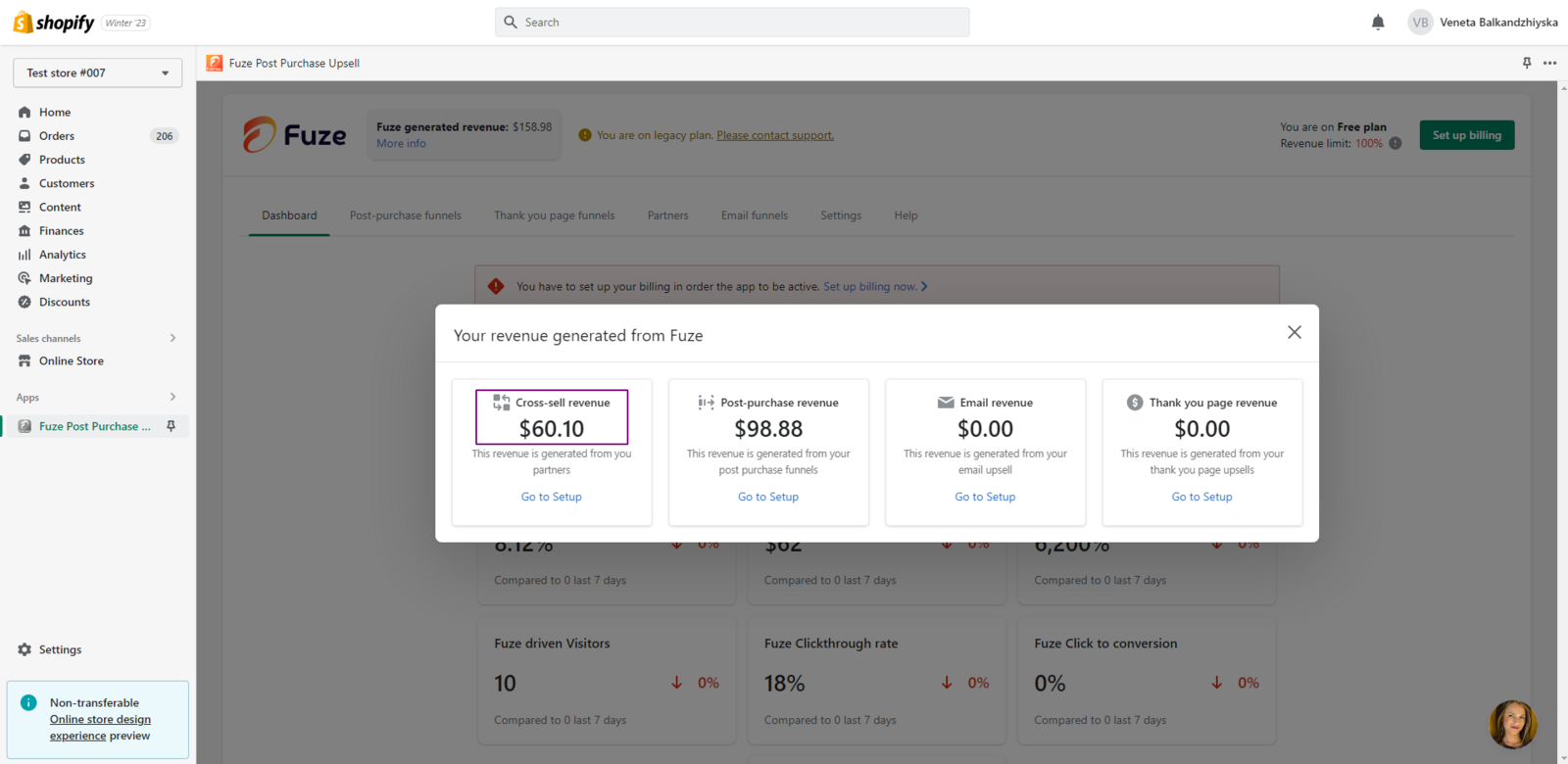
When your store appears in the cross-sell section on a partner store’s thank-you page and the order is completed, the amount is added to the Cross-sell revenue section.